> For the complete documentation index, see [llms.txt](https://asigna.gitbook.io/asigna/llms.txt). Markdown versions of documentation pages are available by appending `.md` to page URLs; this page is available as [Markdown](https://asigna.gitbook.io/asigna/votico/quickstart/voting/voting-types.md).
# Voting Types
Voting type defines how users can cast their votes and how the final result is calculated.
{% hint style="warning" %}
Do not mistake it with the [voting strategy](/asigna/votico/quickstart/voting.md#voting-strategies): a voting strategy is used to calculate the **individual voting power** of a user while the voting type calculates the **outcome of the proposal**.
{% endhint %}
Voting type is defined at the level of an individual proposal and can allow the users to:
* Choose only **one option** - [Single choice voting](#single-choice-voting)
* Spread their votes over **multiple options** - [Weighted voting](#weighted-voting)
* **Approve** a certain number of options - [Approval voting](#approval-voting)
* **Abstain** from voting while still participating in quorum - [Basic voting](#basic-voting)
## Voting types
#### Single choice voting
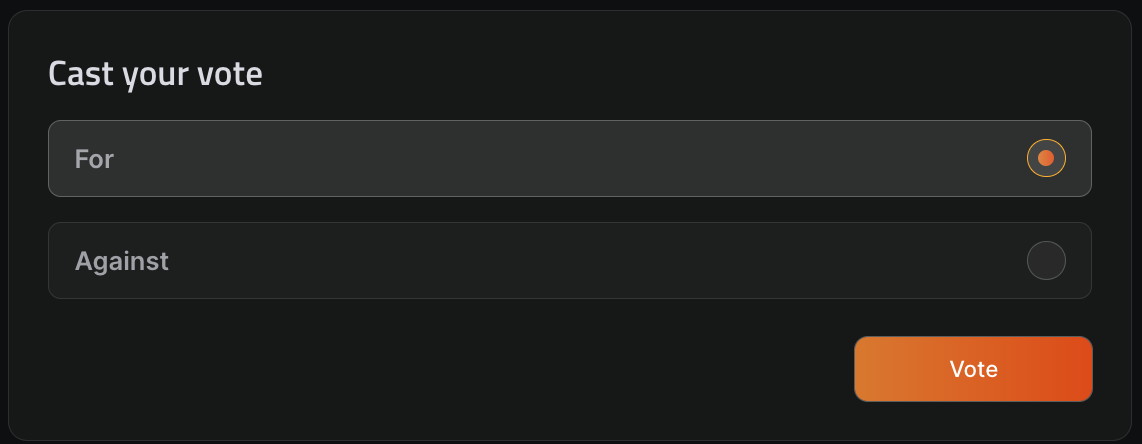
Each user can select only one option from many, giving it his total voting power. The results will reflect these votes as percentages of the total voting power of all voting participants cast on the specific choice.
#### Weighted voting
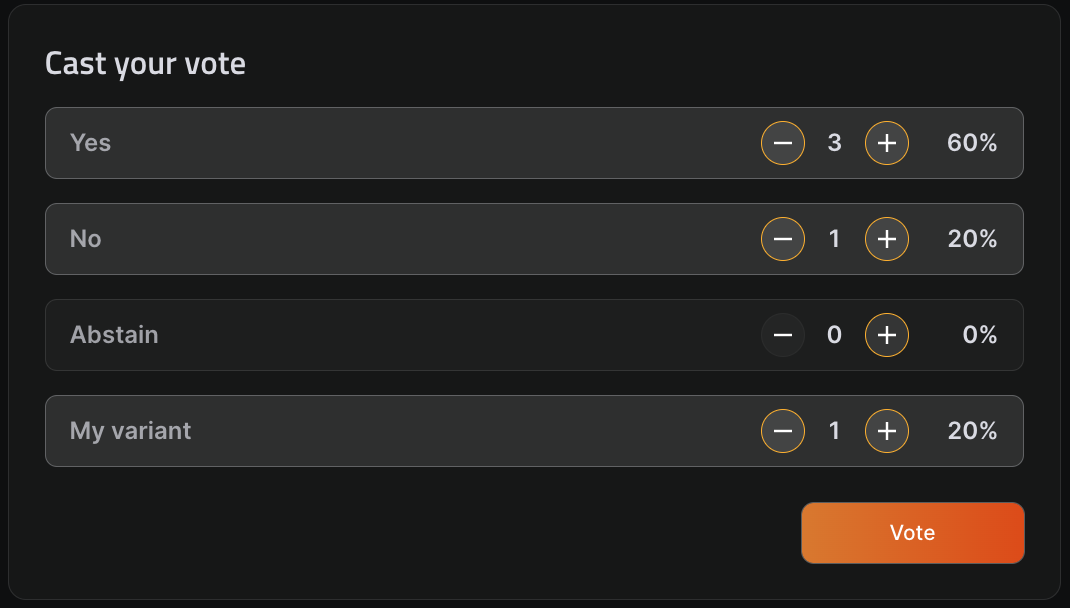
Each user can spread their voting power across any number of choices, from one to all. Their voting power will be divided between their chosen options according to how much weight they attribute to each option by increasing or decreasing the voting power fraction.
#### Approval voting
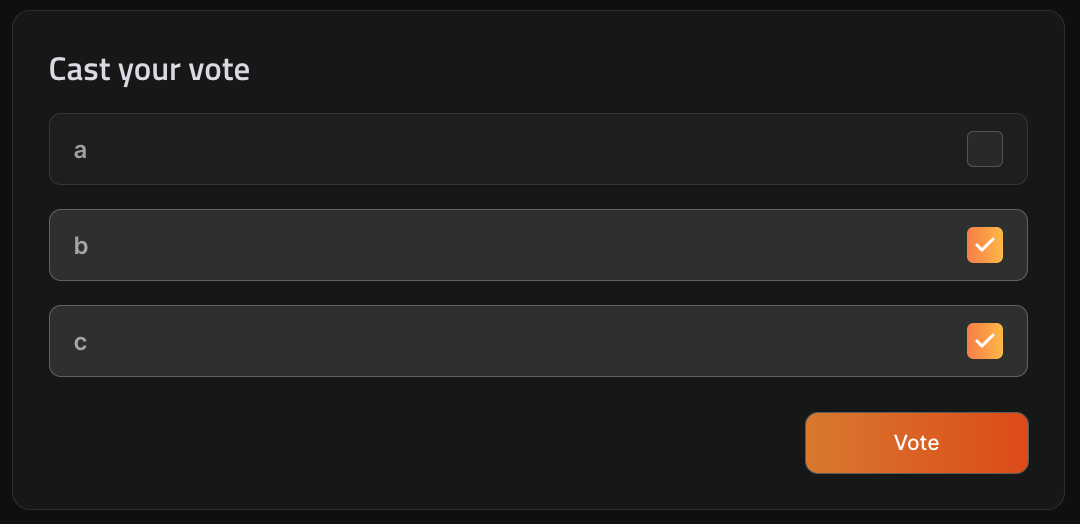
Each user can select any number of choices, each selected choice will receive equal voting power, i.e. if user selects two choices, each choice will receive the total voting power of the user.
#### Basic voting
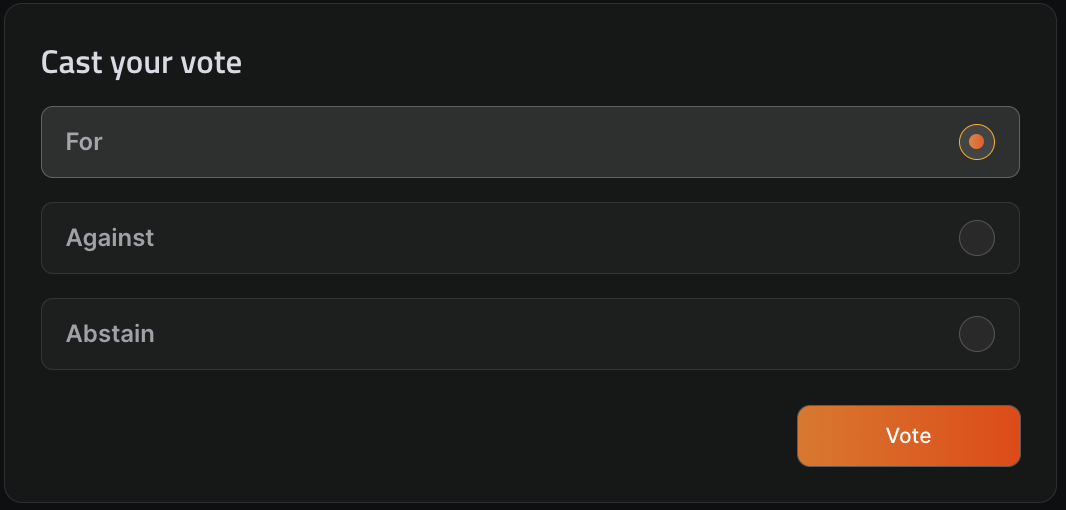
Each user can select one of three options: `For`, `Against`, `Abstain`. These choices are predefined and cannot be edited.